VideoSuite
Blog
What we learn building VideoSuite: the problem of people whose work lives in meetings, what each part of the product does, and comparisons with dated sources.
The problem
What happens to people who live in meetings, told from their working day.
 The problem
The bot nobody invited: why AI notetakers make your clients uneasy
A notes assistant joins the call and the client asks who it is. What happens, what the press has said, what it takes to solve it and how each option handles it.
· 2 min read The problem
Your AI does not know what was said in your meetings
The most valuable things that happen in your company stay in other people's recordings and notes. Why your AI cannot see them, what it takes to open them and how each option handles it, with sources.
· 2 min read Paid consultations
How to charge for video consultations without bank transfers or a stopwatch
Lawyers, doctors and coaches share one problem: get paid first, start on time and stop on time. The options that exist today and how VideoSuite approaches it, with a Stripe Connect payment that is in test mode today.
· 5 min read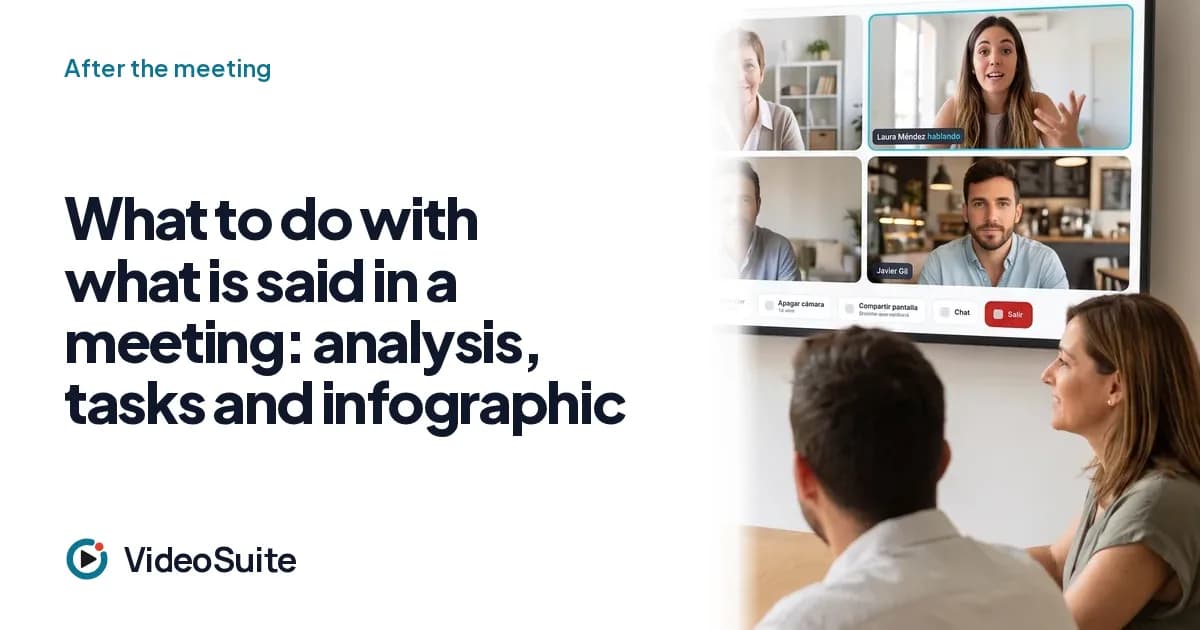 After the meeting
What to do with what is said in a meeting: analysis, tasks and infographic
A six-step method so a meeting does not evaporate: record with consent, transcribe, analyze by speaker, assign tasks, share, and query it with your AI.
· 5 min readThe solution, feature by feature
What each piece of VideoSuite does, who it is for and where its limits are.
 Feature
A meeting room with no downloads and your own brand
Your guests join with a link from the browser, with no account or app, into a room with your logo and colours. What it includes, who it is for and where the limits are.
· 2 min read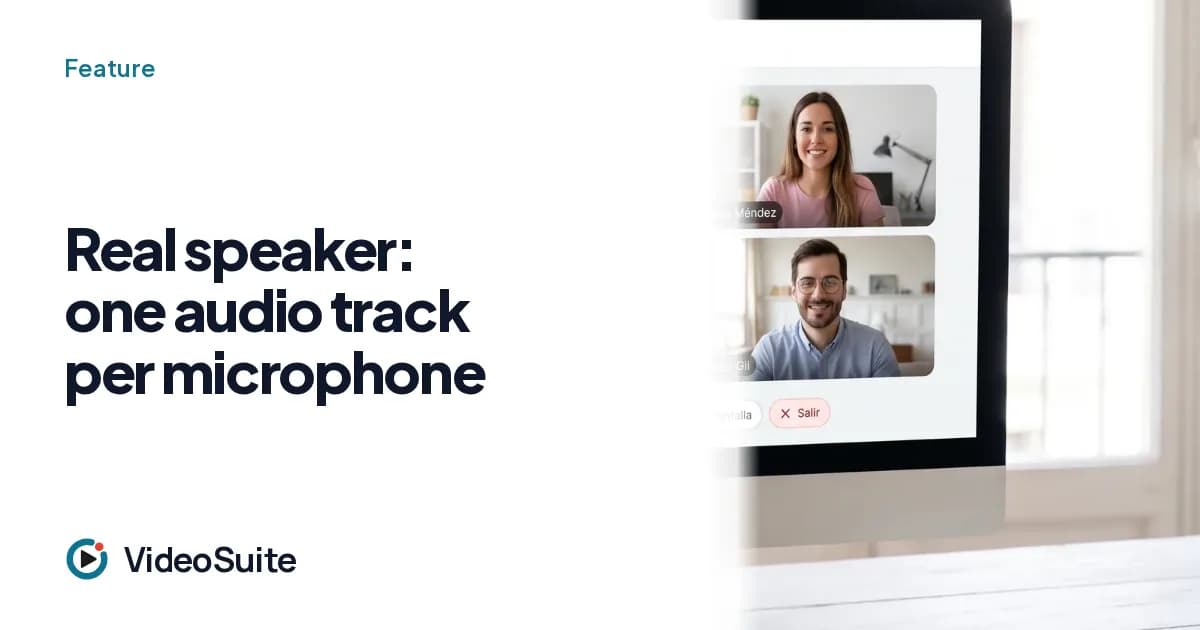 Feature
Real speaker: one audio track per microphone
In VideoSuite the transcript knows who is speaking because each person has their own track, not because an algorithm guesses. How it works and when guessing is still needed.
· 2 min read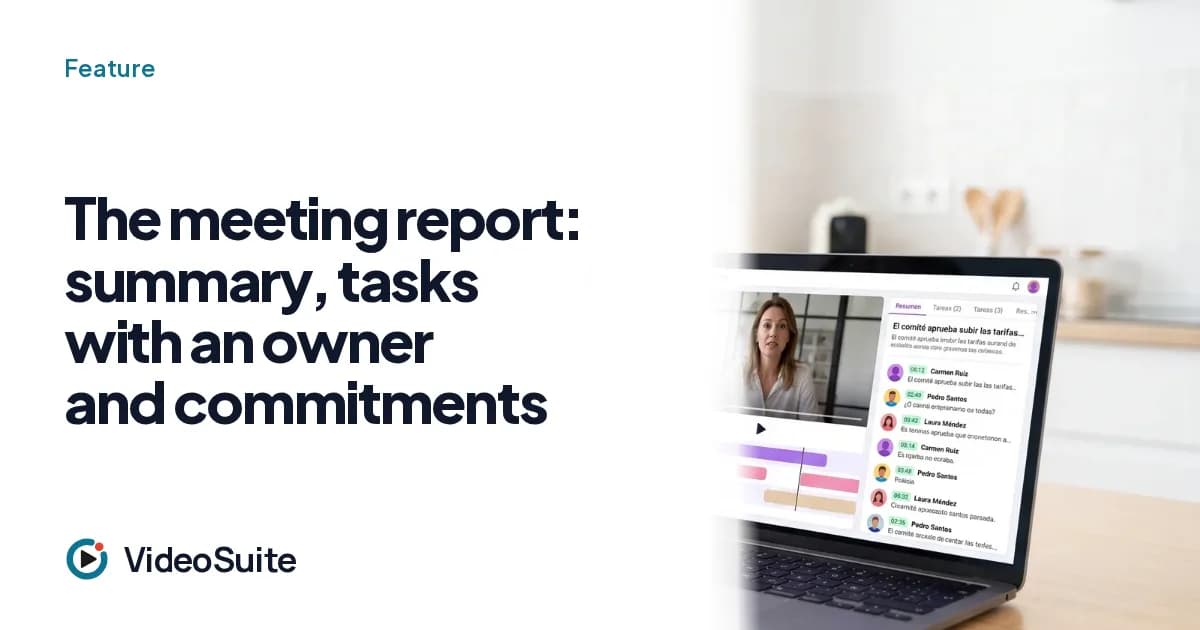 Feature
The meeting report: summary, tasks with an owner and commitments
When the meeting ends VideoSuite delivers a report with summary, topics, commitments and tasks with an owner and a date. What it contains, what you can edit and what it does not do.
· 2 min read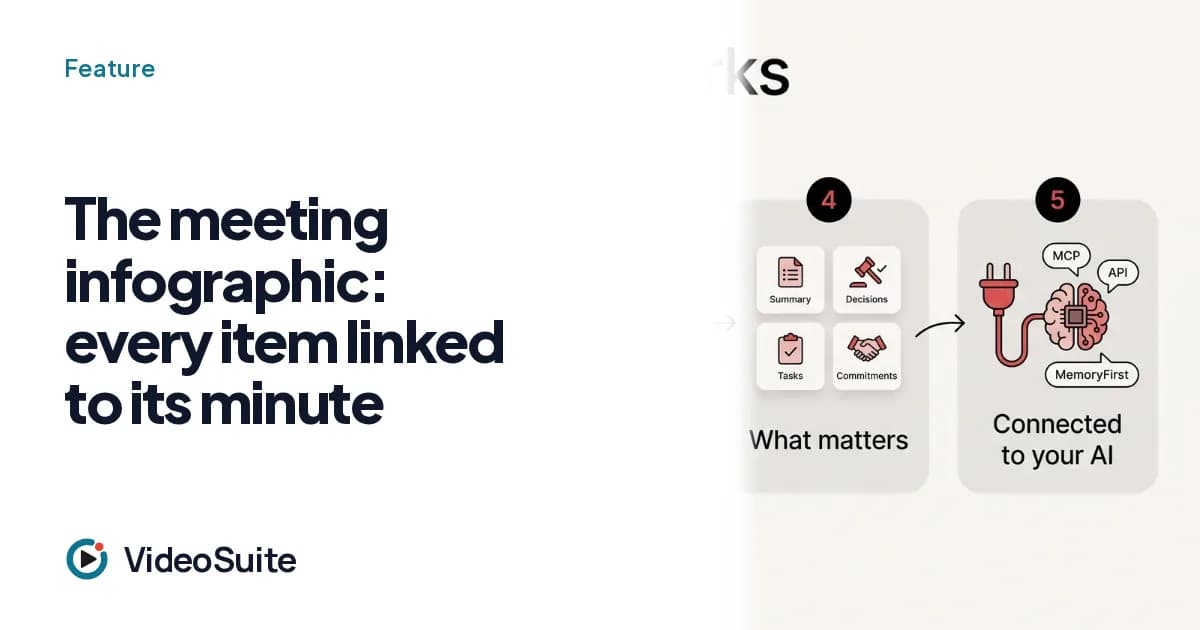 Feature
The meeting infographic: every item linked to its minute
A visual page with the topics, figures and tasks of the meeting, where every item jumps to the minute it was said. What it is, how it is shared and why it is a diagram and not an illustration.
· 2 min read Feature
Ask the meeting, or all of them: answers with the quote and the minute
Instead of rewinding an hour of video, you ask a question and get the answer with the exact sentence and the minute. It works on one meeting and on all those of your organisation.
· 2 min read Feature
The summary for your guest, with a personal link you can revoke
Each guest receives their summary by email and a personal link to the recording, revocable, with a log of who opens it and for how long. How it works and what privacy it gives.
· 2 min read Feature
Recording with visible consent and a pause that really does not record
A recording notice before entering, a real pause and a resume policy agreed by everyone. What VideoSuite does, what is left for you as a professional and how recordings are kept.
· 2 min read Feature
API, MCP and MemoryFirst: your meetings within reach of your own AI
An API v1, an MCP server with over 40 tools and delivery of each report to MemoryFirst so your AI can query what was said. What exists, from which plan and what does not exist yet.
· 2 min read Feature
Scheduling: booking links, invitations and reminders without email ping-pong
Booking links on your Google Calendar, invitations with an .ics file, email reminders and availability polls for teams. What it includes and where the limits are.
· 2 min read Feature
Import recordings from other tools: the past is knowledge too
If you come from Zoom or another tool, the history does not stay behind: upload audio or video through the web, the API or the MCP and get a transcript with identified voices and a report.
· 2 min read Feature
Video consultations with health data: isolation enforced by the database
Clinical meetings do not go through the general analysis engine or the shared memory, and the database enforces it. How it works with TrichoSuite and what it does not promise.
· 2 min readThe market and the comparisons
Who competes, what it costs and when each one fits, with sources and dates.
 Market
AI meetings in 2026: who competes, what it costs and who each one suits
A map of the AI meetings market: platforms, note-takers, video SDKs and schedulers. How each group charges, where each wins and where VideoSuite fits. With sources and dates.
· 3 min read Market
VideoSuite vs Fireflies.ai: an honest 2026 comparison
Fireflies summarises your meetings with AI on top of the tool you already use. VideoSuite puts the room, the brand and the report in your own house. Pros and cons of both, with sources.
· 3 min read Market
VideoSuite vs Otter.ai: an honest 2026 comparison
Otter.ai is one of the veteran note-takers. What it does well, what to know about its bot and the class action, and what changes with VideoSuite. With sources and dates.
· 3 min read Market
VideoSuite vs Fathom: an honest 2026 comparison
Fathom offers a generous free plan, API and MCP. What it does well, where it falls short and what VideoSuite adds. Pros and cons of both, with sources.
· 3 min read Market
VideoSuite vs Read.ai: an honest 2026 comparison
Read.ai offers live notes, MCP and many integrations on top of Zoom, Meet and Teams. What it does well, what it costs per user and what changes with VideoSuite. With sources.
· 2 min read Market
VideoSuite vs Granola: an honest 2026 comparison
Granola takes notes without a bot from your device. VideoSuite records from its own room. Two ways to avoid the bot, with pros and cons of each and dated prices.
· 3 min read Market
VideoSuite vs Whereby: an honest 2026 comparison
Whereby gives browser rooms with your brand and an SDK to embed them. VideoSuite adds the report, the speakers and the tasks. Pros and cons of both, with prices.
· 3 min read Market
VideoSuite vs Daily: an honest 2026 comparison
Daily is a video SDK to build your own room. VideoSuite is the room already built, with report and memory. When to choose each, with published prices.
· 2 min read Market
VideoSuite vs Calendly plus Zoom: an honest 2026 comparison
Scheduling, video call and notes are usually three tools. What each gives, what their published prices add up to and what VideoSuite brings together, including what it does not yet do with real money: charging.
· 3 min read 2026 comparison
VideoSuite vs Google Meet, Zoom and Teams: an honest 2026 comparison
Meet, Zoom and Teams already offer AI notes on their paid plans. What they actually do, where they are better, and what VideoSuite adds around the call.
· 5 min read