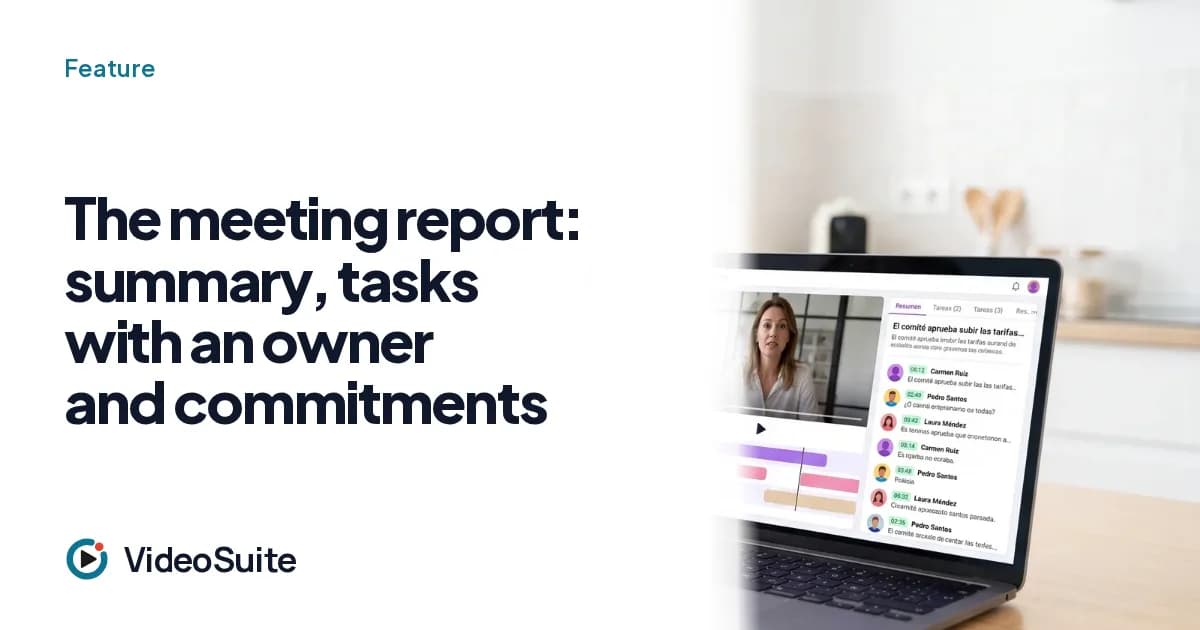
A meeting produces decisions, commitments and context. The VideoSuite report collects them without anyone taking notes during the call: summary, topics, commitments (who, what, when) and tasks with an owner and a date. The host can review and edit it before sending.
Who it is for
For SME management, teams, professionals who receive clients and anyone who has ever written the minutes twenty minutes after the meeting.
What it does, step by step
- Summary and topics of the meeting, with chapters.
- Tasks with an owner (only from among the attendees) and a validated date; the host can mark them as done.
- Commitments: who commits to what and when.
- With the main analysis engine, also decisions and open questions as their own fields, and key points with their minute.
- A summary screen for the host: recipients, preview, editing and sending; optional automatic sending at the end, which can be turned off.
Honest limits
- It is an AI draft: responsibility for what was said is yours, which is why it can be reviewed and edited before sending.
- It does not send automatic reminders about tasks to the owner before the deadline.
- It does not assess the tone or sentiment of the conversation.
Which plans include it
What each plan includes, with prices and the own-brand extra, is in the plans section of the site: VideoSuite's features are described here as they work today in production, and some (such as own brand or own domain) depend on the plan.