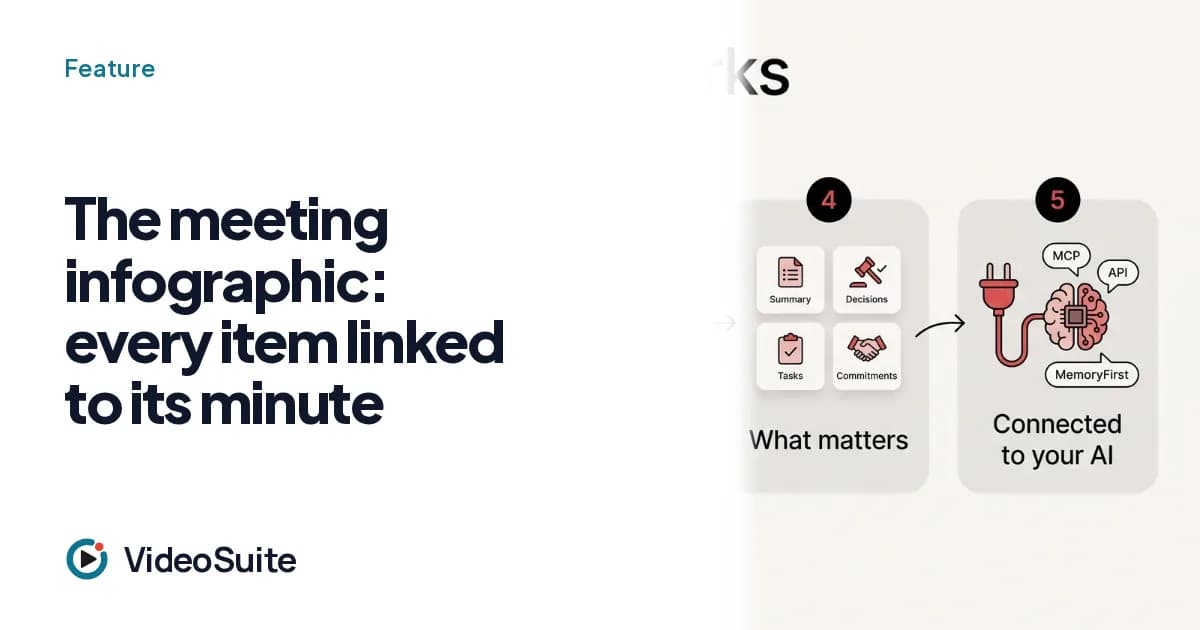
Nobody reads an hour-long transcript. The VideoSuite infographic condenses the meeting into one visual page: topics, figures and tasks, and every element cites the minute it comes from (one click jumps to that moment). Figures are checked against what was said: if one does not appear, it is marked with a question mark.
Who it is for
For anyone who has to show a client, a manager or their own team what was said and decided, in one minute.
What it does, step by step
- A text model produces structured, validated data; the application itself draws it.
- It is viewed as an interactive page and downloaded as PNG or PDF.
- It is shared by link, with a log of who opens it.
- It has a spending cap per meeting so the cost stays predictable.
Honest limits
- It is a diagram drawn from the meeting data, not an illustration generated by an image model.
- The image on the site's front page is a demo infographic with fictional data.
Which plans include it
What each plan includes, with prices and the own-brand extra, is in the plans section of the site: VideoSuite's features are described here as they work today in production, and some (such as own brand or own domain) depend on the plan.