- Do I have to install anything?
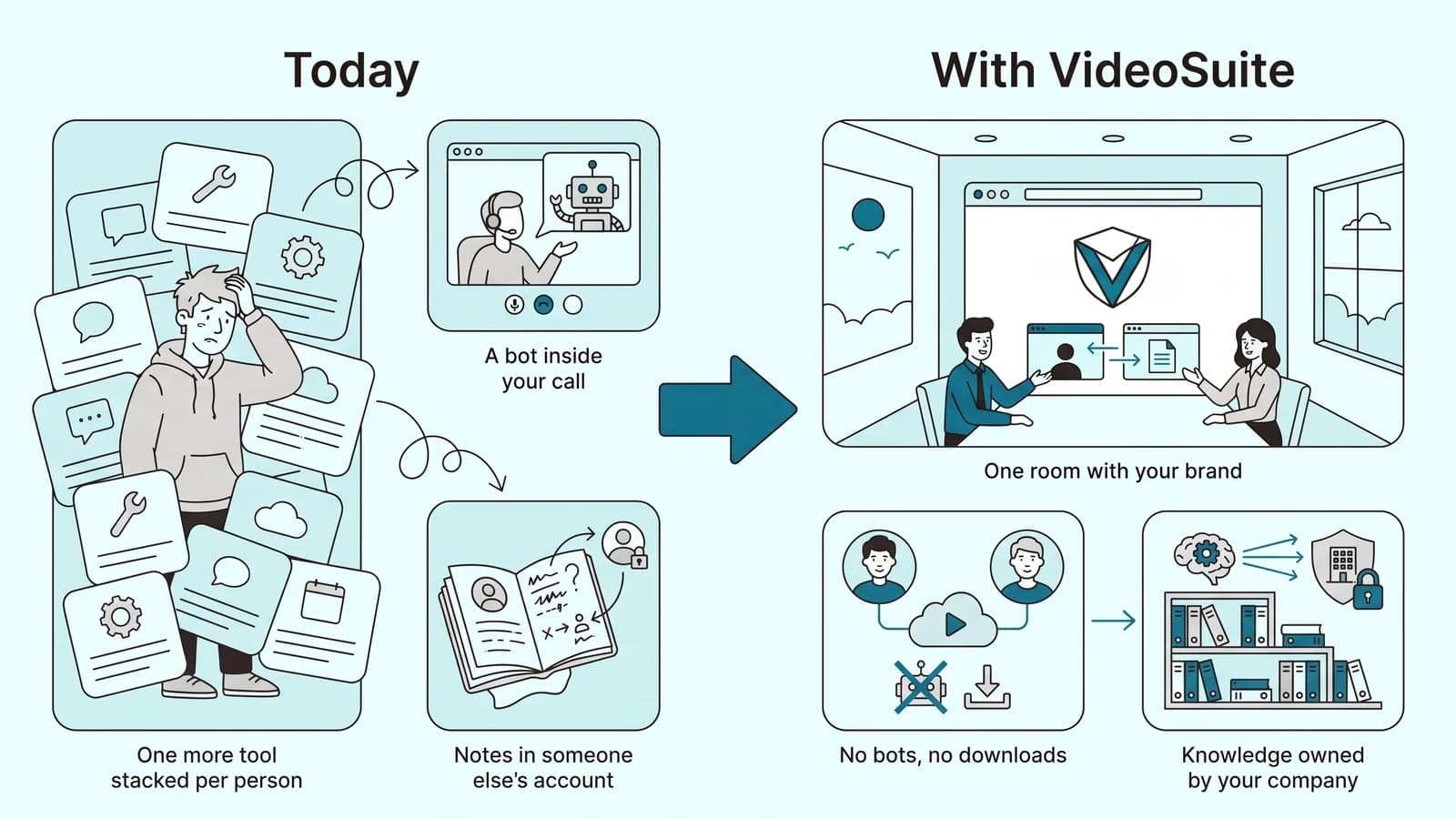
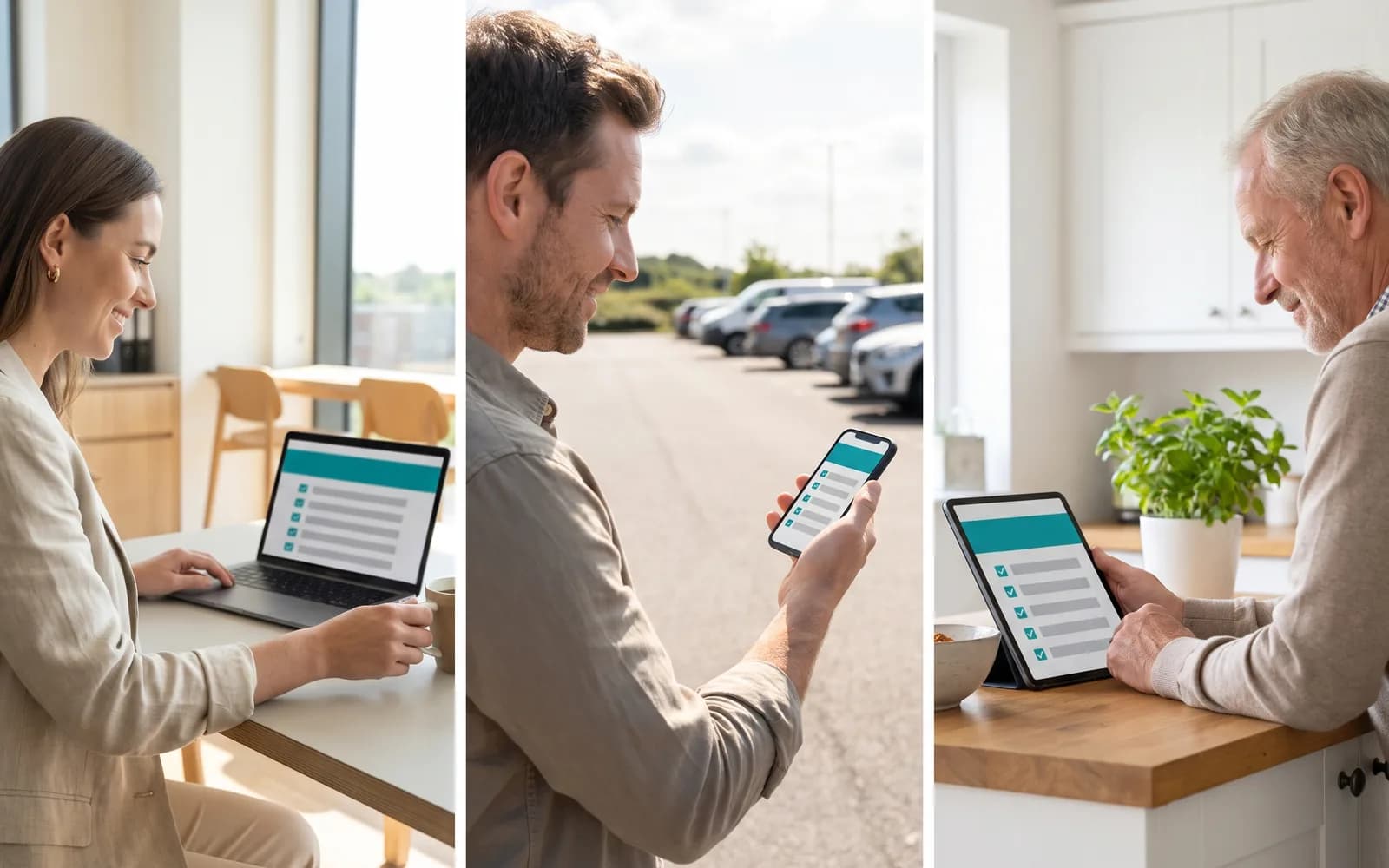
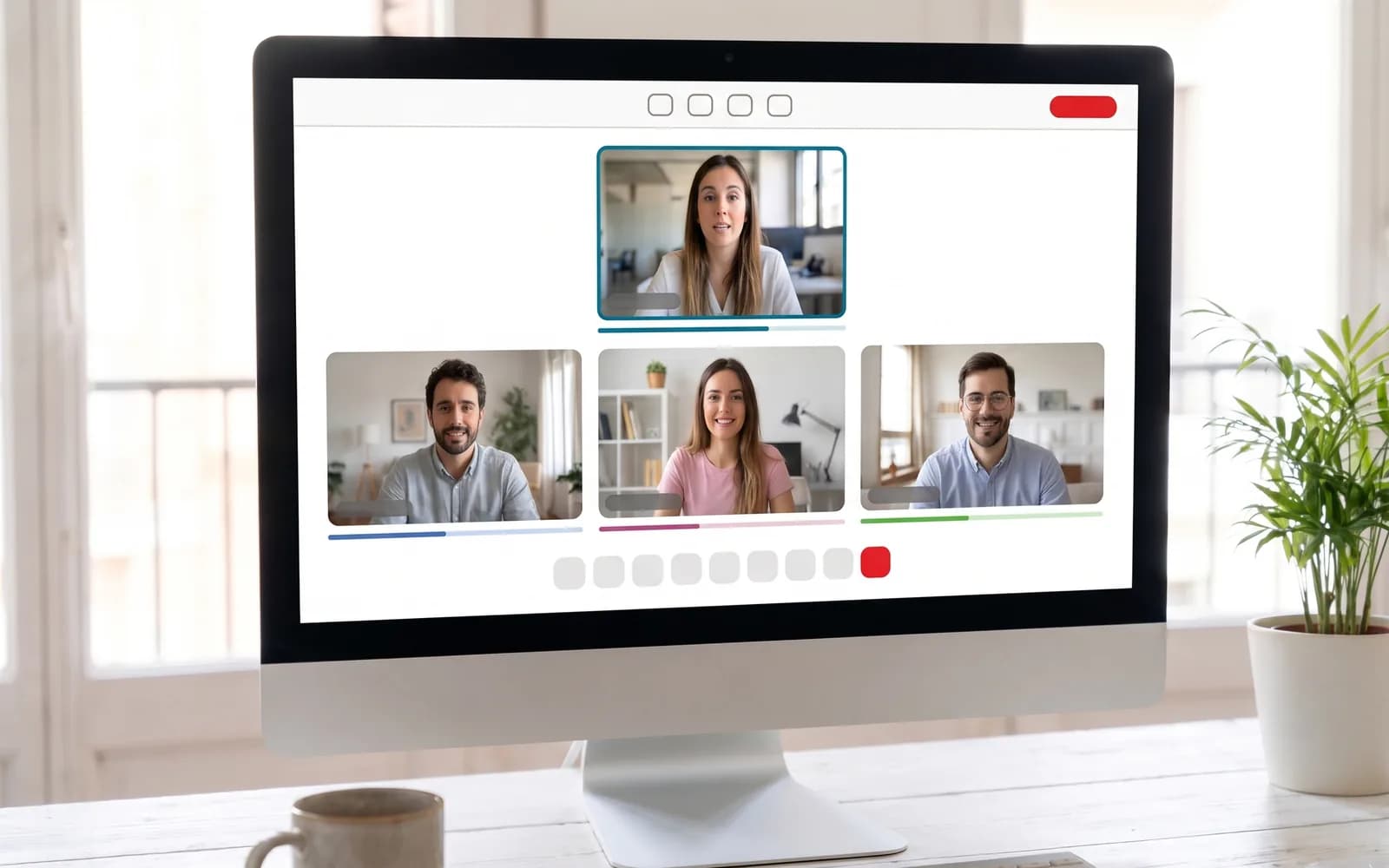
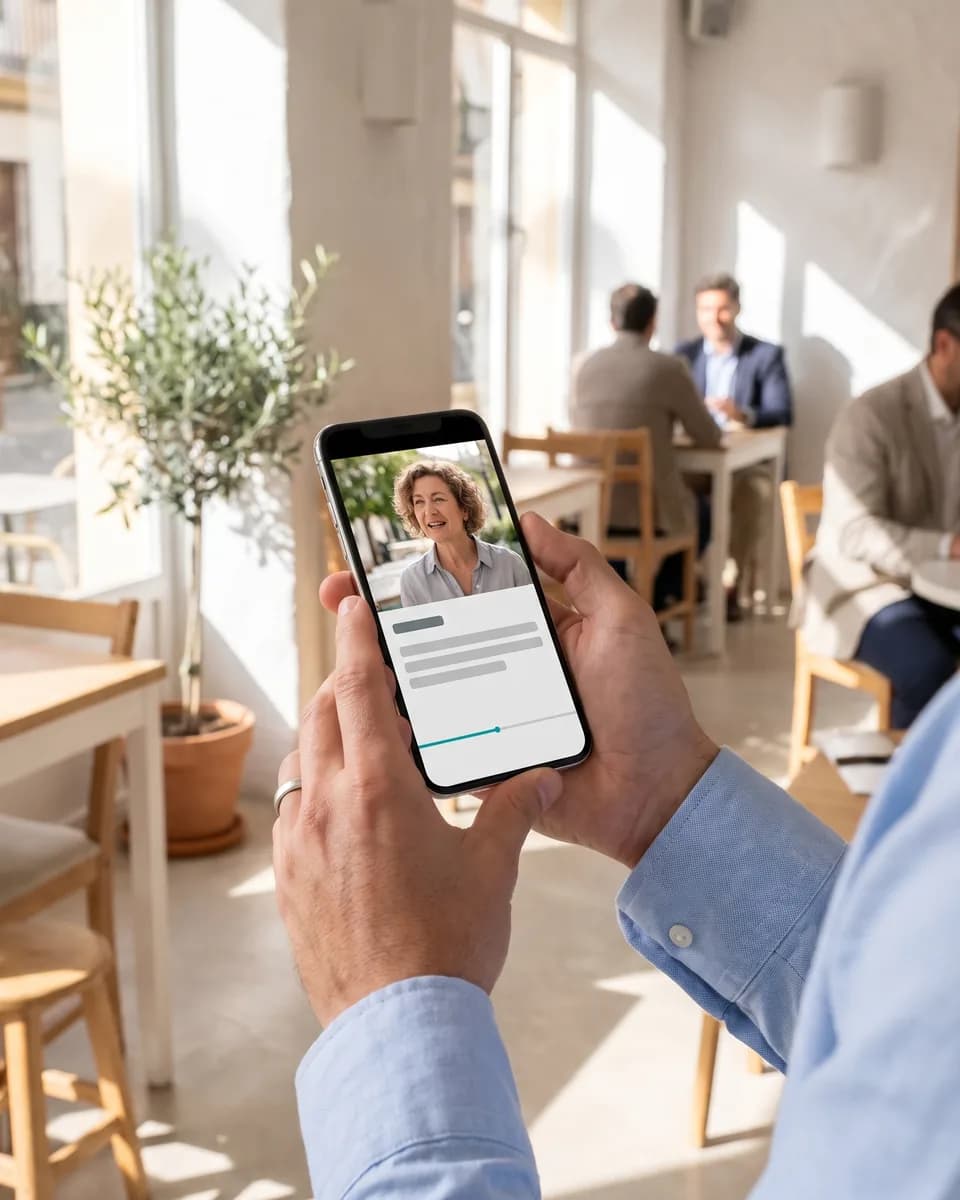
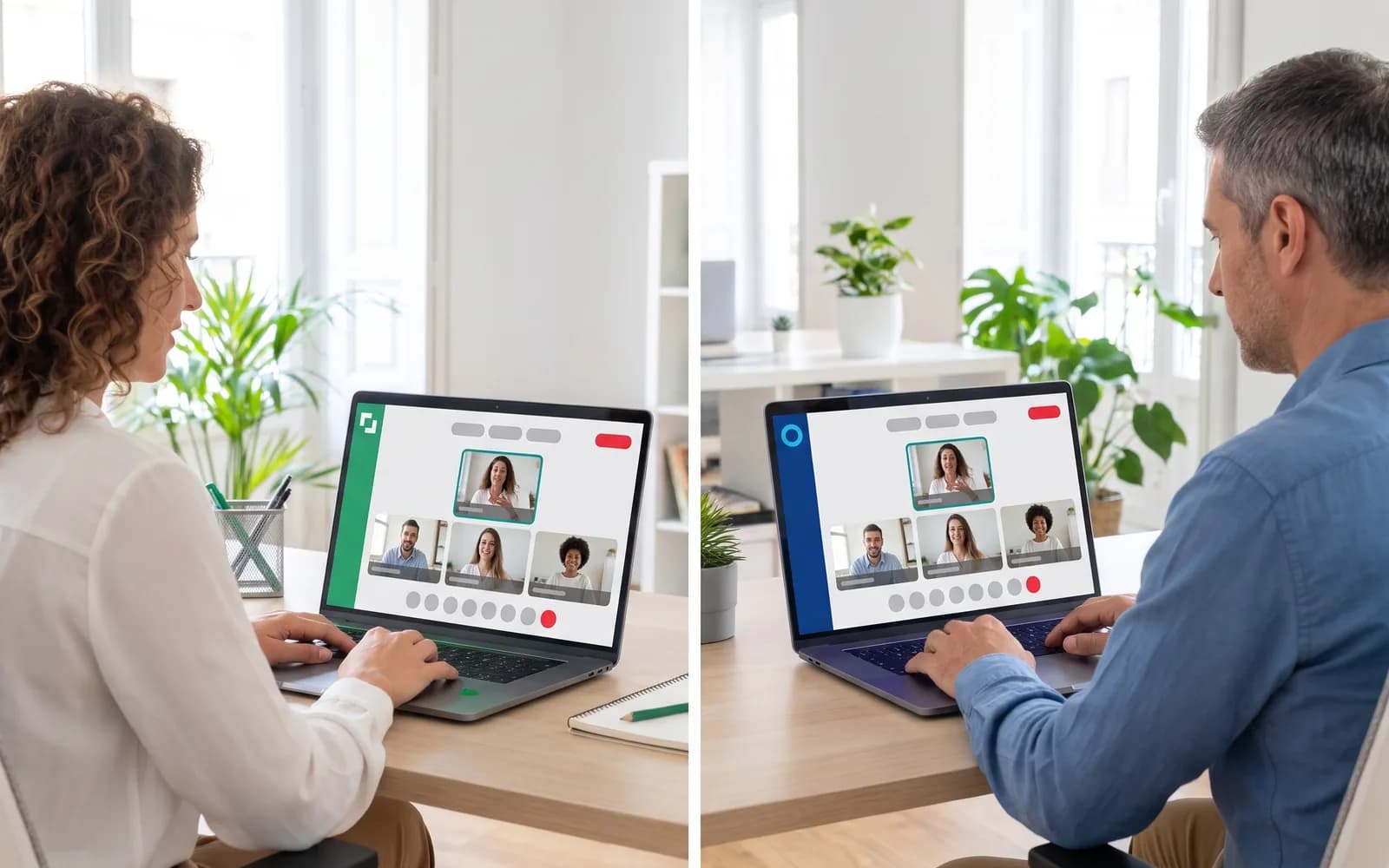
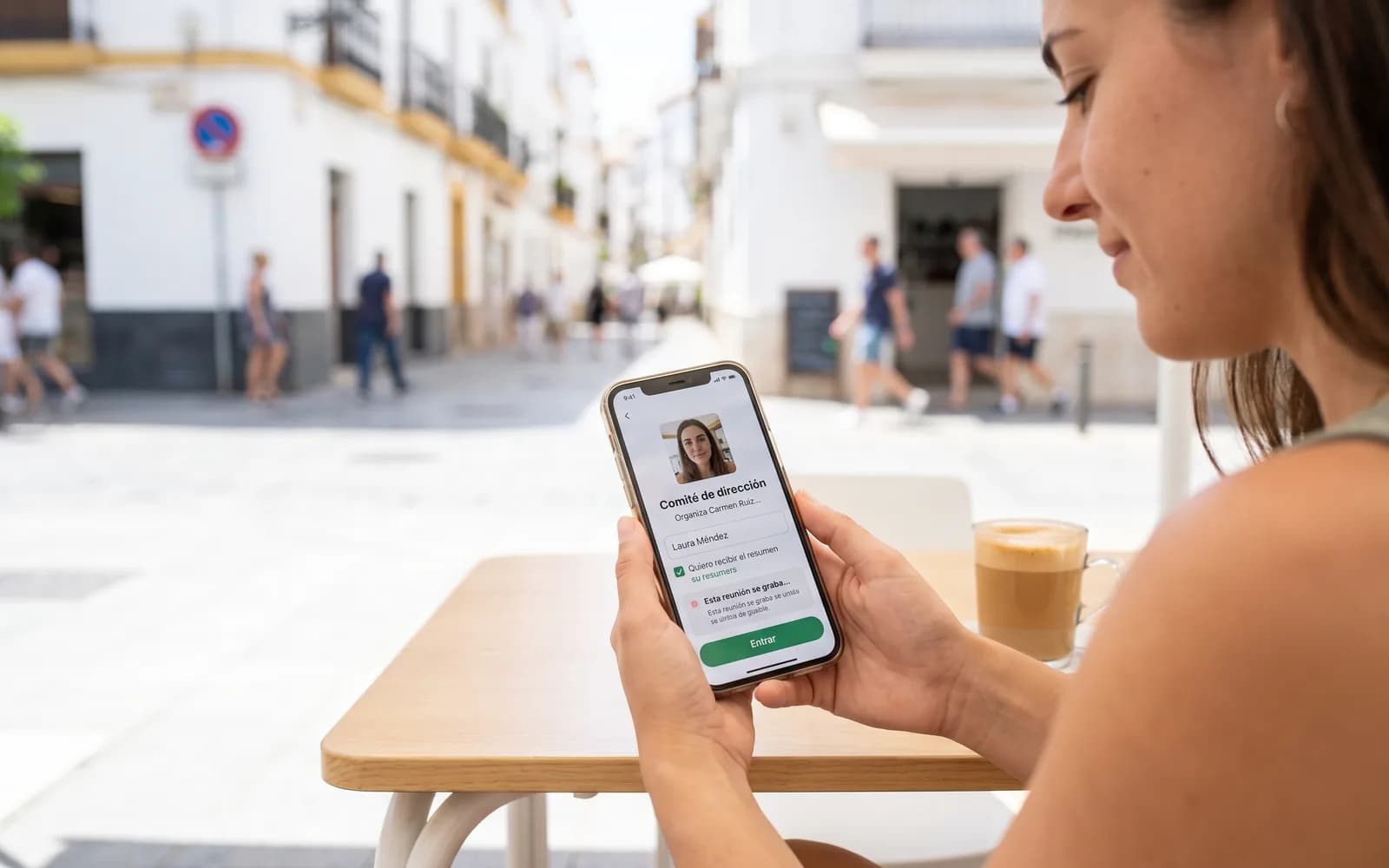
- No. VideoSuite runs in the browser, on your phone and tablet too, with no app to install. Your guests join with a link that carries your brand, from Chrome, Safari or whichever browser they use.
- Does a bot join my meetings?
- No. VideoSuite does not plug into another tool: the room itself records. Every guest sees the recording notice before joining and any authorised participant can pause it; nothing is captured during the pause.
- Do guests need an account?
- No. Everyone joins through the same meeting link: people with an account use it, and the rest type their name, which their browser remembers for next time. If they want, they leave their email to receive the summary and access to the recording.
- Where is my data stored?
- On servers in the European Union, and transcription runs in the engine's European region. Each organisation is isolated from the others, and clinics' health data never reaches the analysis.
- Which languages does it work in?
- The room, the emails and this website are in Spanish and English, and the host screens also in Portuguese, French, German, Italian and Turkish. The transcript and the report work in Spanish, English, Portuguese, French, German, Italian and Turkish: the host picks the meeting language, or it is detected automatically.
- Who can see a recording?
- The host and the people they share it with. Every guest who receives the summary has their own link, which the host can revoke, and every opening is logged. The recording is kept for as long as you need it and deleted when you ask.
- Can I connect it to my company's AI?
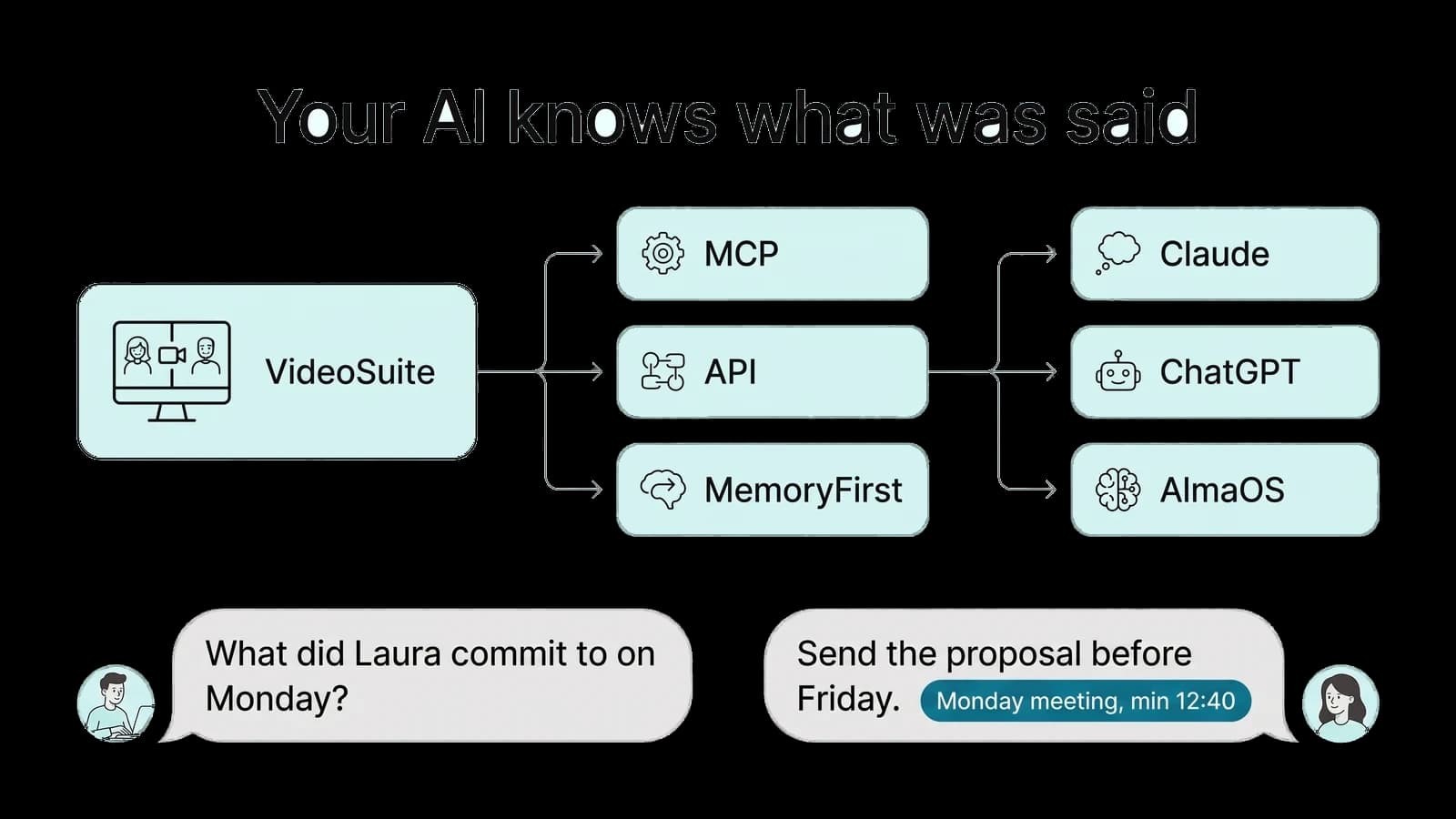
- Yes. From the Professional plan you get an API v1 and an MCP server with over 40 tools, with a personal token: Claude, ChatGPT or your own AI can read meetings, transcripts, summaries and tasks. Each person only sees what they could already see in the app.
- I come from Zoom: what about my recordings?
- Import them. Upload the audio or video from the web, the API or the MCP; the transcript separates the voices and you name each one. From then on they have a summary, tasks and an infographic like any other meeting.
- Can I use my own domain?
- Yes, for example video.yourcompany.com, with your logo, your colours and your emails. We set it up with you; it already works that way on video.trichosuite.com.
- How much does it cost?
- Free includes 180 min (3 h) of meetings a month. Professional costs €19 a month billed annually and includes 1,800 min (30 h). Team costs €49 a month billed annually for 5 people (€9 a month for each extra person) and includes 6,000 min (100 h) shared. Enterprise is custom. If you run short, there are packs of 10 h for €9.
- What commission does VideoSuite charge on paid sessions?
- It is calculated on what you actually receive: the price minus the VAT included and minus Stripe's fee. For a session sold from VideoSuite it is 10 % on Free, 5 % on Professional and 2 % on Team; on Enterprise it is agreed. If the session is sold from a LearnSuite, MentorSuite or AlmaSuite academy, the commission of that academy's plan applies (0% with the paid sessions add-on or the higher plans, 3% on LearnSuite Starter and 20% under revenue share) and VideoSuite adds none of its own. Today paid sessions run in Stripe test mode, with no real charges. The full terms are in the Terms of sale for paid sessions.
- What counts as a minute?
- The real time of the meeting while someone is in the room. It is never multiplied by participants: one hour with five people uses one hour. An imported recording uses its own length.